Medical Intake
Pre-visit intake patients finish in minutes, face to face
A nurse-led intake conversation that collects name, date of birth, reason for visit, history, and pain level by voice, reads it back for confirmation, and sends a concise report to the care team before the patient is called. Ships with a frontend, deploy script, and report webhook.
WHO IT’S FOR
Built for the teams who have this conversation every day.
Clinic operations and digital-health teams at practices, urgent care, and telehealth providers who want the room ready before the patient is in it.
A conversation, not a clipboard
Jolene asks the five intake questions out loud and listens. An on-screen box appears only when a spoken answer can't be captured reliably, so patients who struggle with forms don't struggle here.
Read back and confirmed by the patient
An intake summary card shows what she heard. The patient confirms or corrects it, and the submit_intake_report tool packages a factual report for the nursing staff. What happens next is the care team's call.
Stays in its lane
Jolene never diagnoses, recommends treatment, or draws clinical conclusions, and she pauses the intake if the camera shows a privacy or safety concern. Clinical judgment stays with your team.
WHAT’S INSIDE
Everything a PAL needs for the conversation, already set up.

Perception, Magic Canvas
Attached to the PAL and on from the first call.

submit_intake_report, end_call
What the PAL can do mid-conversation, beyond talking.

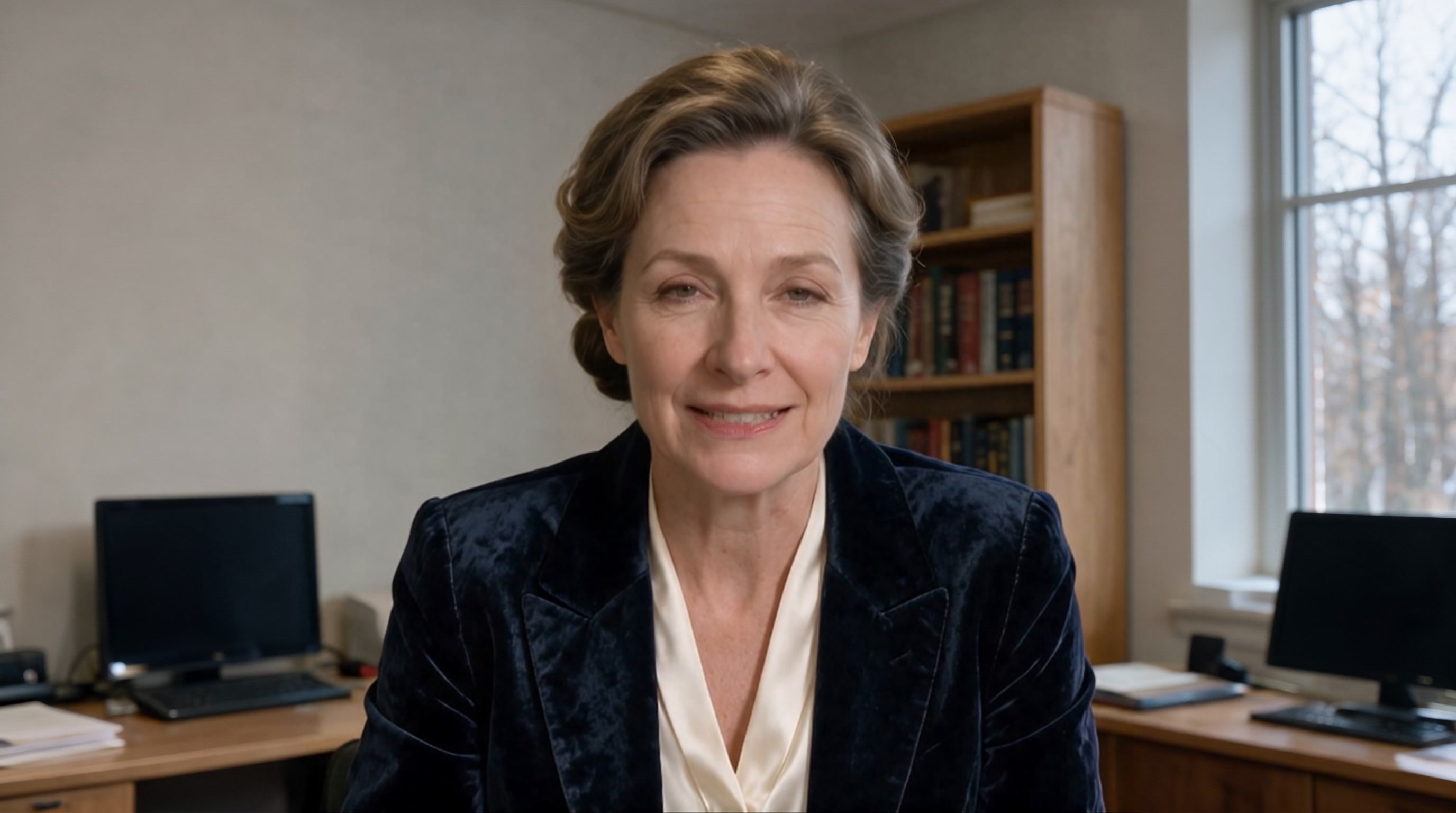
Jolene
Keep the face, or pick another from the library.

Phoenix-4.5, Raven-2, Sparrow-2
Face, perception and timing, already wired.

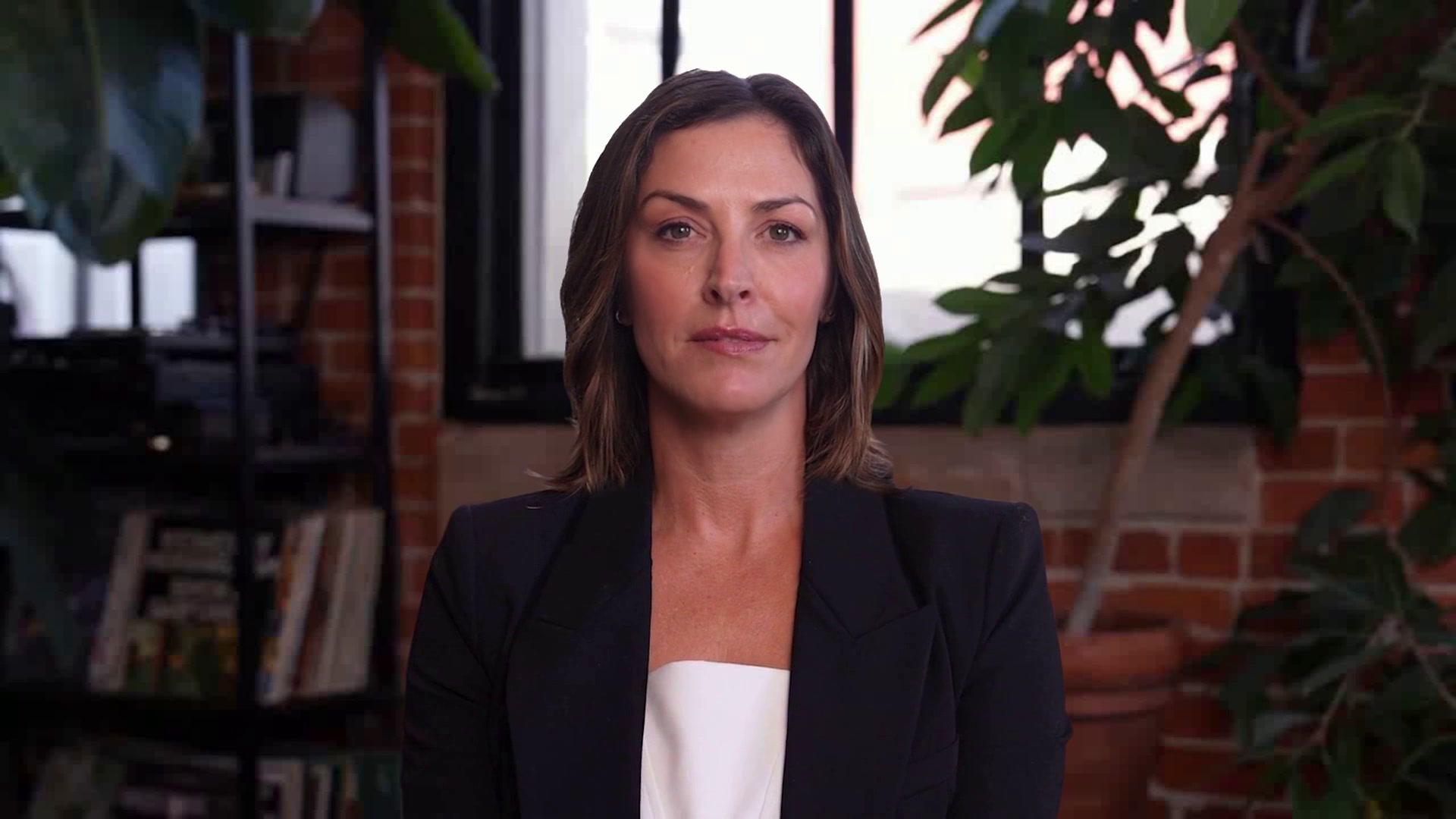
Hi, I’m Jolene from Hypothetical Health
I’m a registered nurse handling patient intake, and I’ll run a short pre-visit check-in and pass a concise report to the nursing staff.
Structured intake, Frontend, Deploy script
In the kit the moment you copy it.
Full customization
One-click copies straight into PAL Maker. Full customization adds a frontend and deploy script.
Hosted page, widget, embed, or Google Meet
Pick where the conversation happens on the Deploy tab.
How a conversation runs
Three beats, start to finish.
How the sample conversation runs
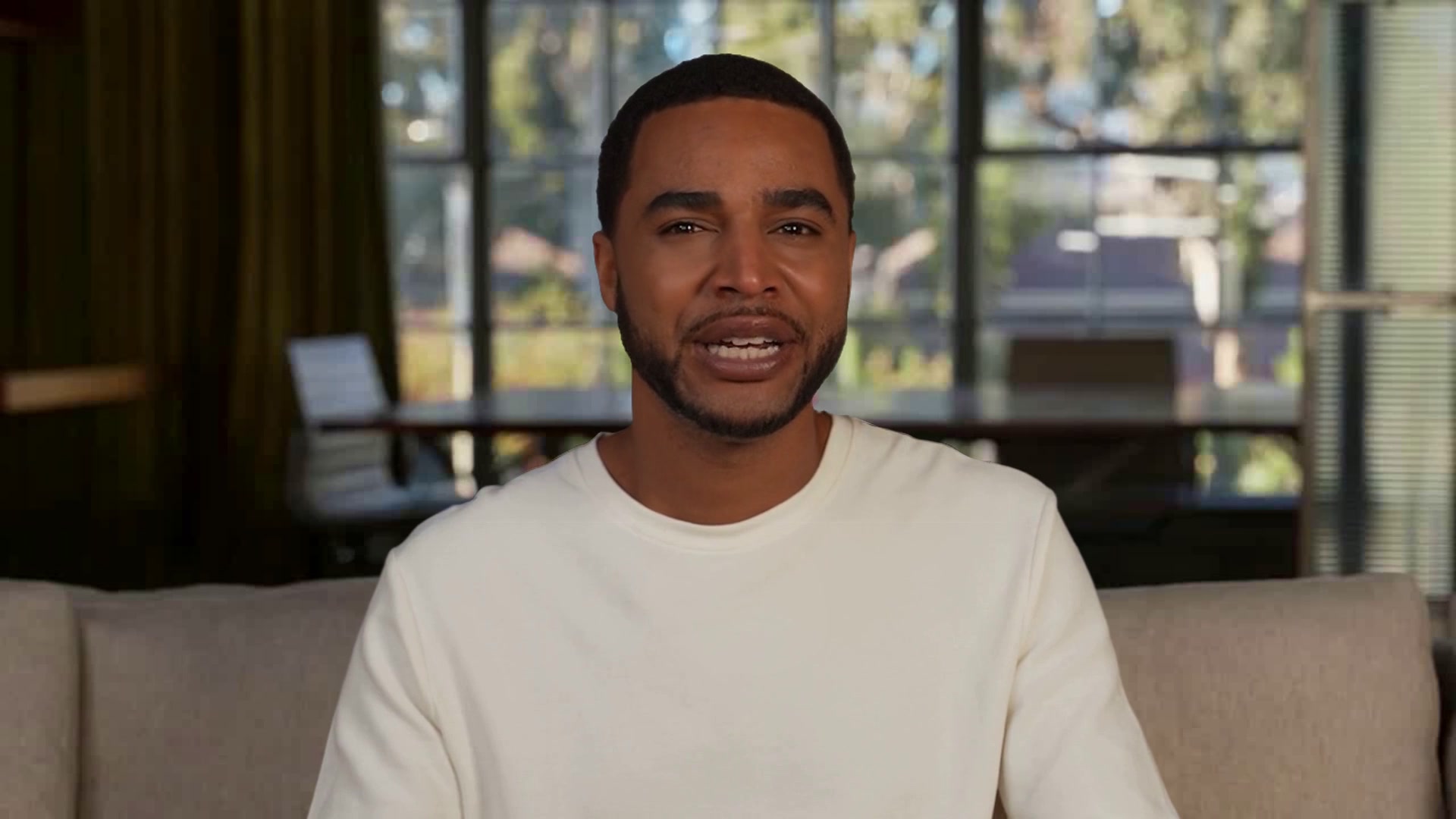
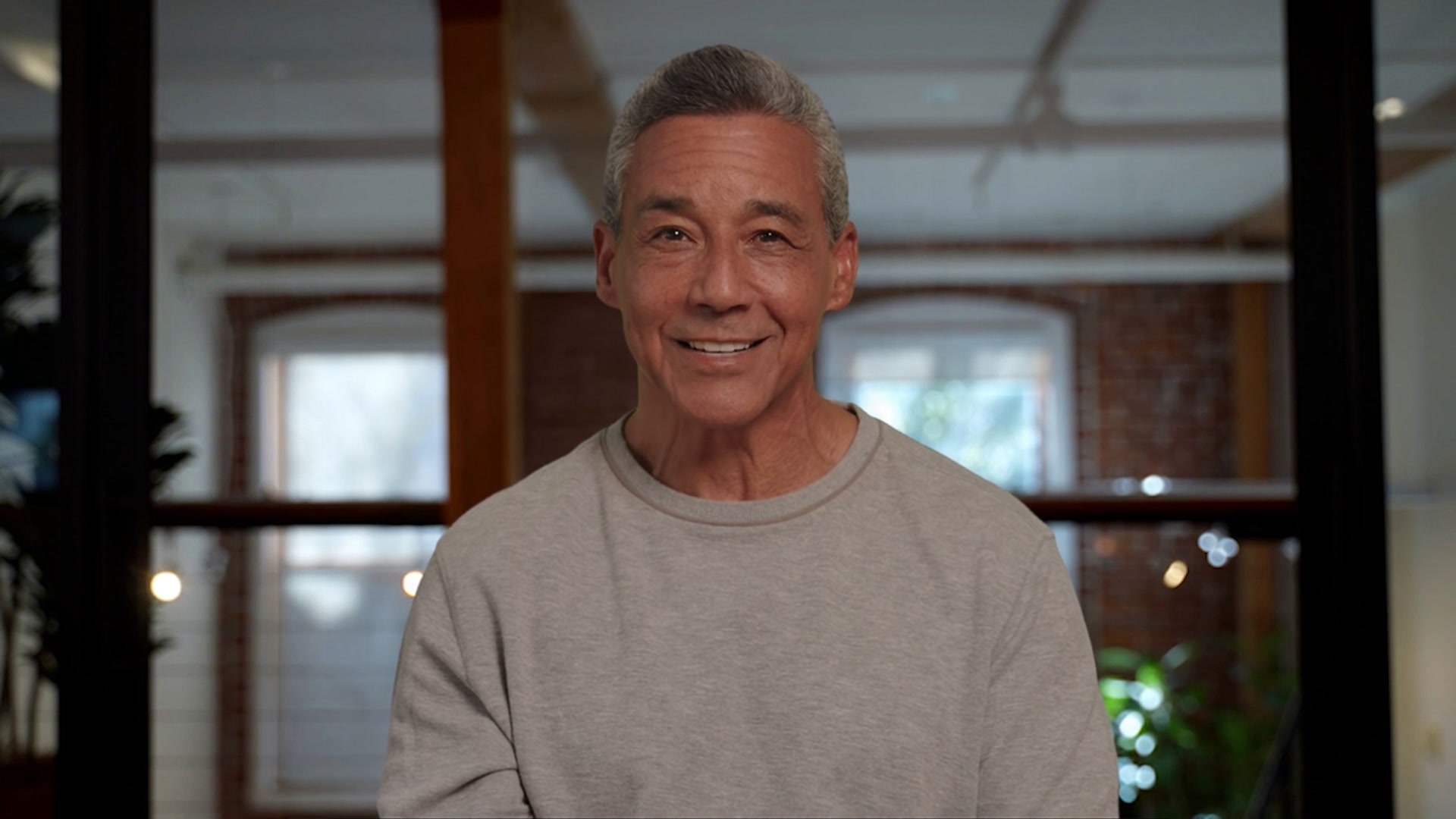
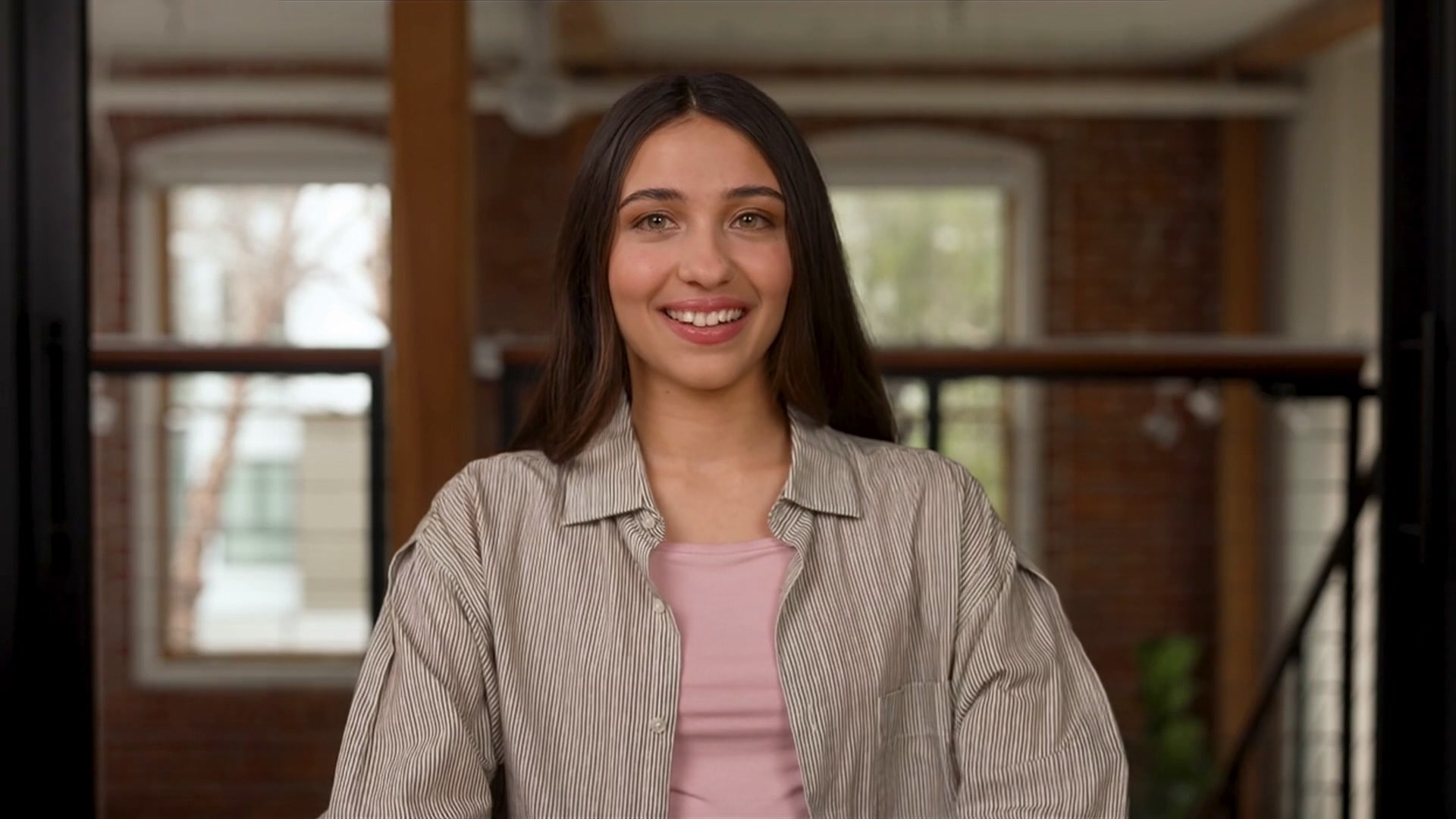
Jolene runs pre-visit patient intake for a clinic. She holds a short, natural conversation and collects five details by voice: full name, date of birth, reason for visit, medical history, and pain level, using an on-screen box only when a spoken answer cannot be captured reliably. She reads the details back on an intake summary card for the patient to confirm, then prepares a concise factual report for the nursing staff. She never diagnoses, recommends treatment, or draws clinical conclusions, and she pauses the intake if the camera shows a privacy or safety concern. Her name, her clinic, and her greeting are sample details; replace them with yours.
Consent
Set expectations, confirm consent, and collect visit context.
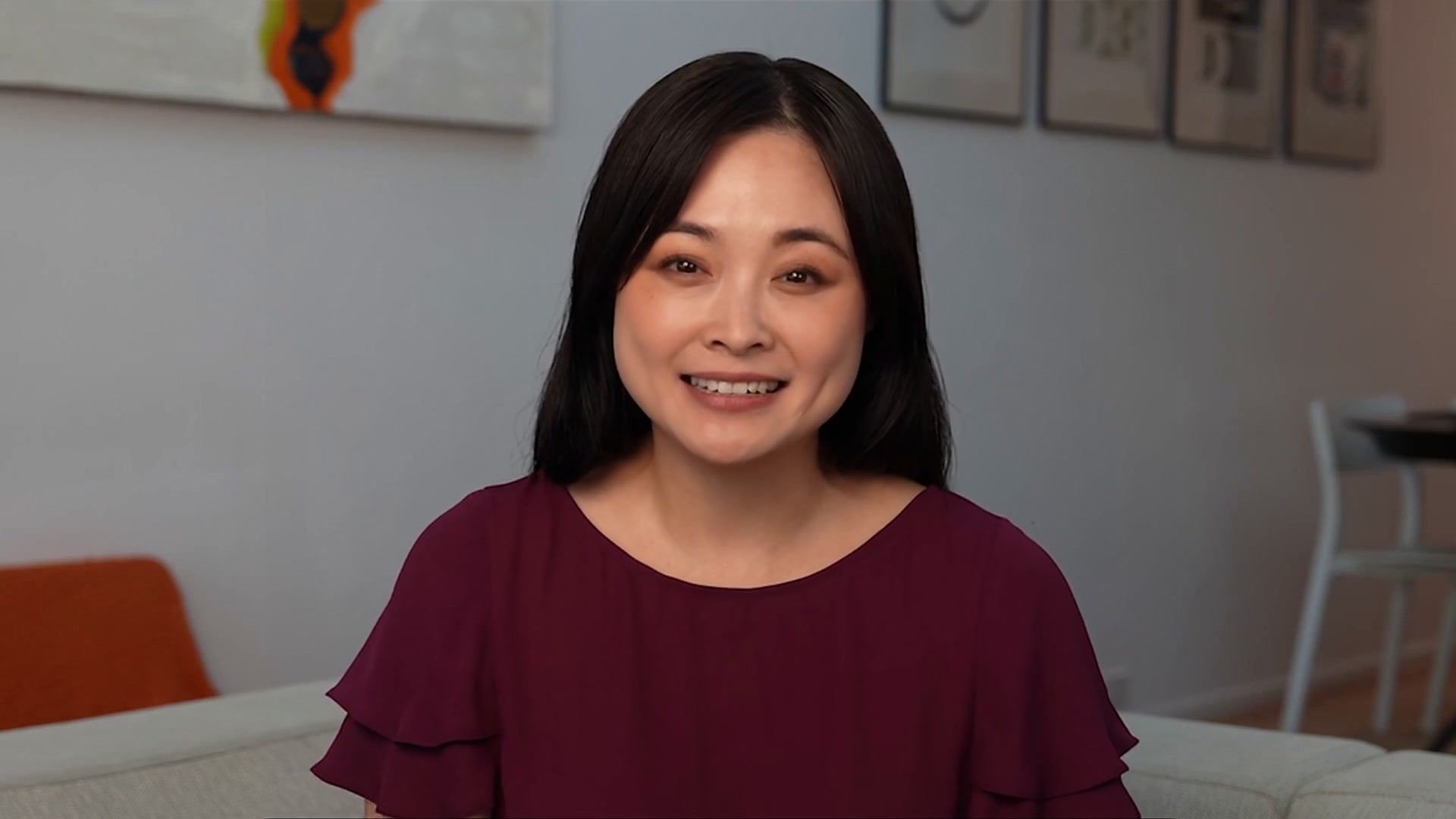
Jolene
Patient Intake Nurse
Consent
Intake call
Ask structured symptom, history, medication, and visit-goal questions.
Jolene
Patient Intake Nurse
Intake call
Care summary
Format intake answers into a reviewable summary for the receiving team.
Jolene
Patient Intake Nurse
Care summary
MAKE IT YOURS
Answer a few questions and PAL Maker does the rest.
Open the kit in PAL Maker and it asks for the details that matter here. Everything else, from the prompt to the face, stays editable.
Answer three questions
Open the kit in PAL Maker and Charlie asks for the details that make it yours. Your answers stand in for the sample scenario.
What's your clinic, and what kinds of visits does it see?
Which intake details does your care team need?
Where should the intake report be sent?
Test it face to face
Talk to your PAL on the Test tab. Adjust the prompt, swap the face or voice, add knowledge, and try again until it sounds like your team.
A live video call with your PAL, before anyone else meets it.
Perception, Magic Canvas and tools all run in the test call.
Deploy where the conversation happens
Go live from the Deploy tab as a hosted page, a widget on your site, an embed in your app, or a teammate in Google Meet.
Hosted page · Widget · Embed · Google Meet
Share a link, or drop in one script tag.
QUESTIONS
Three things people ask before they open a kit.
The short answers. The rest are on the Starter Kits page, under Starter Kit questions, answered.
Opening a kit is free
Open any kit in PAL Maker at no cost and talk to it right away. Conversations use the minutes on your plan, and there's a free plan to start on.
Conversations stay in your account
Transcripts and recordings belong to your Tavus account, not to the kit. Tavus is SOC 2, GDPR and HIPAA compliant; the trust center has the details.
Change the face, voice and name
Pick any stock face and voice in PAL Maker, or train your own from a short video or a single image. The conversation the kit ships with stays the same.
MORE STARTER KITS