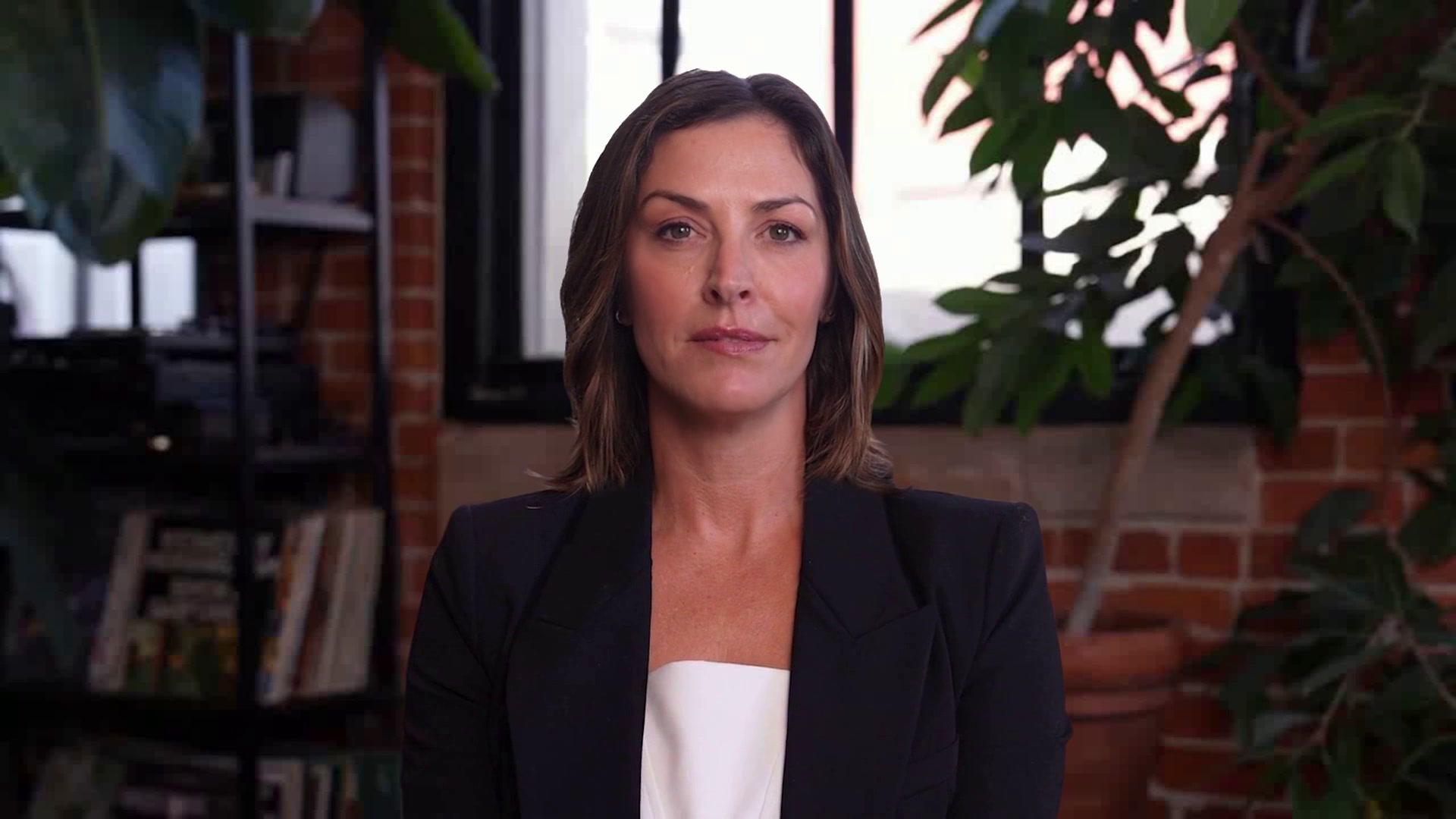
Customer Service Coaching
Rehearse the hard calls before a customer is on the line
A customer service coach who plays a frustrated customer in a realistic scenario, then switches back to coaching for a structured debrief. Practice for service recovery and de-escalation, with no real customer at stake.
WHO IT’S FOR
Built for the teams who have this conversation every day.
CX and support training leads, contact-center supervisors, and QA teams onboarding new agents or raising the floor on tough-call handling.
A customer who pushes back
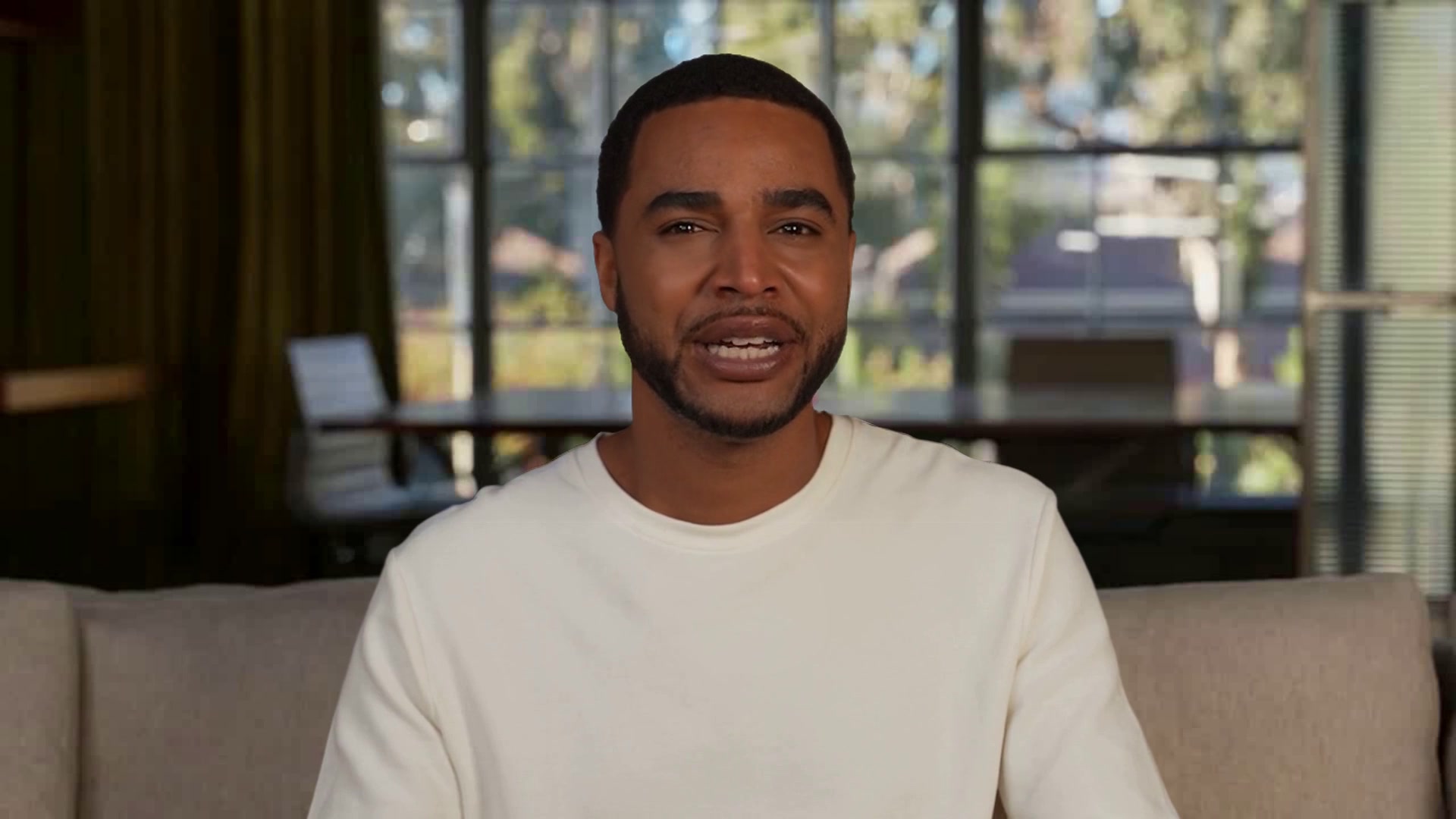
Nathan sets the scene, then plays the customer: upset, impatient, or confused, as the scenario calls for. Agents work the problem live while he reacts to what they say and how they say it.
A debrief with one win and one fix
When the scene ends he steps back into coaching: a specific thing that worked, the one high-leverage improvement, and the offer to retry that moment.
Scenarios your team actually faces
Swap in your products, policies, and the calls your QA team flags most. Nathan represents your brand in every rehearsal.
WHAT’S INSIDE
Everything a PAL needs for the conversation, already set up.

Perception, Magic Canvas
Attached to the PAL and on from the first call.

end_call
What the PAL can do mid-conversation, beyond talking.

Nathan
Keep the face, or pick another from the library.

Phoenix-4.5, Raven-2, Sparrow-2
Face, perception and timing, already wired.

Hi, I’m Nathan
I’ll be taking you through some typical customer service call scenarios to help coach you in handling difficult customer interactions.
Roleplay, Perception, Magic Canvas
In the kit the moment you copy it.
One-click
One-click copies straight into PAL Maker. Full customization adds a frontend and deploy script.
Hosted page, widget, embed, or Google Meet
Pick where the conversation happens on the Deploy tab.
How a conversation runs
Three beats, start to finish.
How the sample conversation runs
Nathan is a customer service coach who runs live video practice sessions for customer support representatives. He opens with a short introduction and sets goals for the session, then plays the customer in a realistic roleplay scenario while the trainee works through the problem. Once the scene ends, he switches back to coaching for a structured debrief that identifies a specific win and a high-leverage area for improvement, then offers a retry of the missed moment or wraps up the session. Nathan represents Trustcart in this template, and the company and scenario details are sample facts to replace with yours.
Set the scenario
Choose the service situation and establish the customer context.
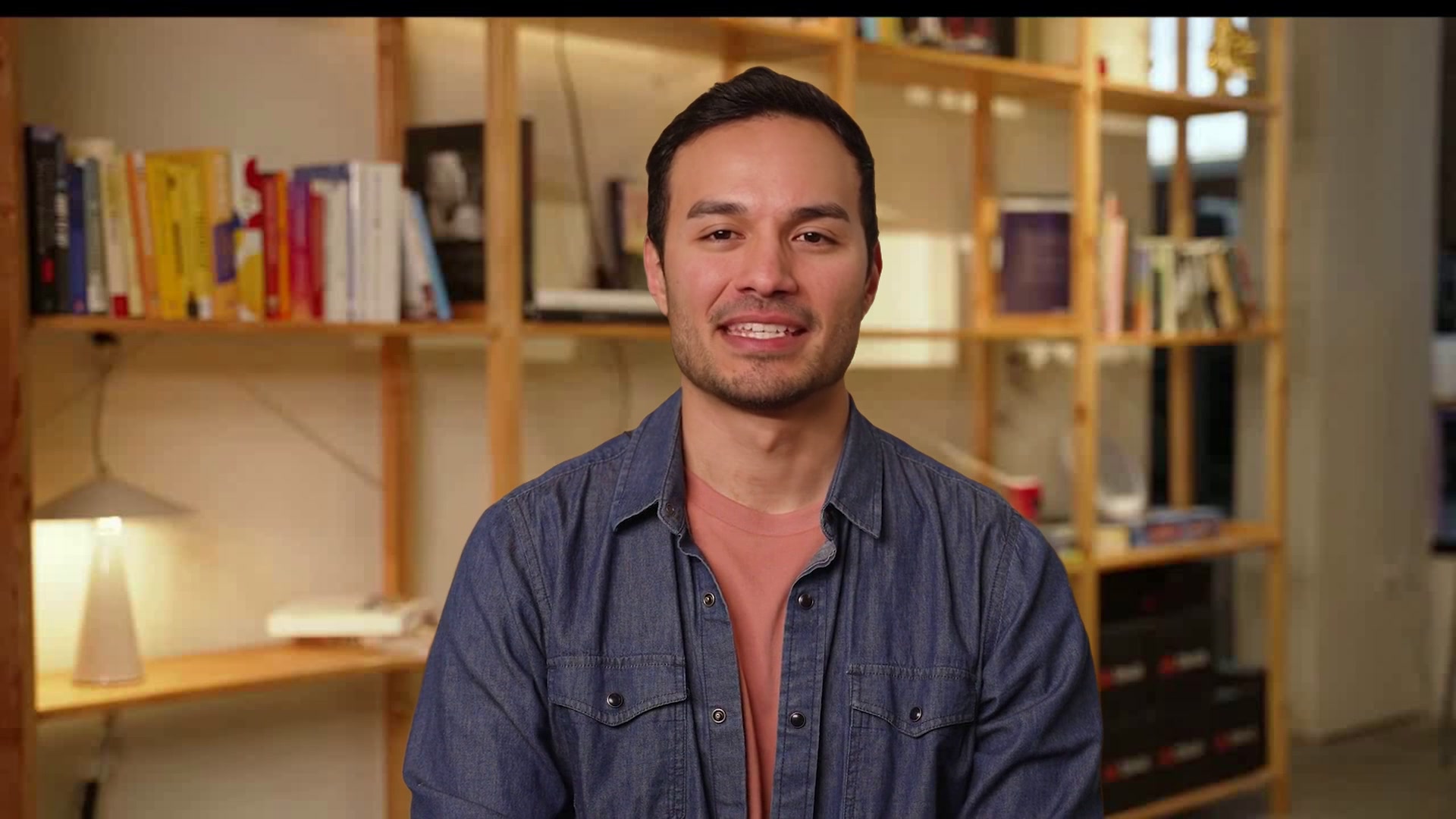
Nathan
Customer Service Coach
Set the scenario
Practice the call
Work through the conversation with a responsive customer roleplay.
Nathan
Customer Service Coach
Practice the call
Review the coaching
Identify what worked and what to improve before the next call.
Nathan
Customer Service Coach
Review the coaching
MAKE IT YOURS
Answer a few questions and PAL Maker does the rest.
Open the kit in PAL Maker and it asks for the details that matter here. Everything else, from the prompt to the face, stays editable.
Answer three questions
Open the kit in PAL Maker and Charlie asks for the details that make it yours. Your answers stand in for the sample scenario.
What do you sell or support?
Which call scenarios should agents practice?
What does a great resolution look like at your company?
Test it face to face
Talk to your PAL on the Test tab. Adjust the prompt, swap the face or voice, add knowledge, and try again until it sounds like your team.
A live video call with your PAL, before anyone else meets it.
Perception, Magic Canvas and tools all run in the test call.
Deploy where the conversation happens
Go live from the Deploy tab as a hosted page, a widget on your site, an embed in your app, or a teammate in Google Meet.
Hosted page · Widget · Embed · Google Meet
Share a link, or drop in one script tag.
QUESTIONS
Three things people ask before they open a kit.
The short answers. The rest are on the Starter Kits page, under Starter Kit questions, answered.
Opening a kit is free
Open any kit in PAL Maker at no cost and talk to it right away. Conversations use the minutes on your plan, and there's a free plan to start on.
Conversations stay in your account
Transcripts and recordings belong to your Tavus account, not to the kit. Tavus is SOC 2, GDPR and HIPAA compliant; the trust center has the details.
Change the face, voice and name
Pick any stock face and voice in PAL Maker, or train your own from a short video or a single image. The conversation the kit ships with stays the same.
MORE STARTER KITS