GDPR Compliance Training
GDPR training that explains the rule and checks it landed
A compliance trainer who presents your GDPR material, teaches each principle through workplace scenarios, and checks understanding after every page. For teams that need staff to handle personal data correctly, not just complete a module.
WHO IT’S FOR
Built for the teams who have this conversation every day.
Compliance, privacy, and HR leads responsible for GDPR training, and teams onboarding staff who handle customer or employee data.
Principles explained in context
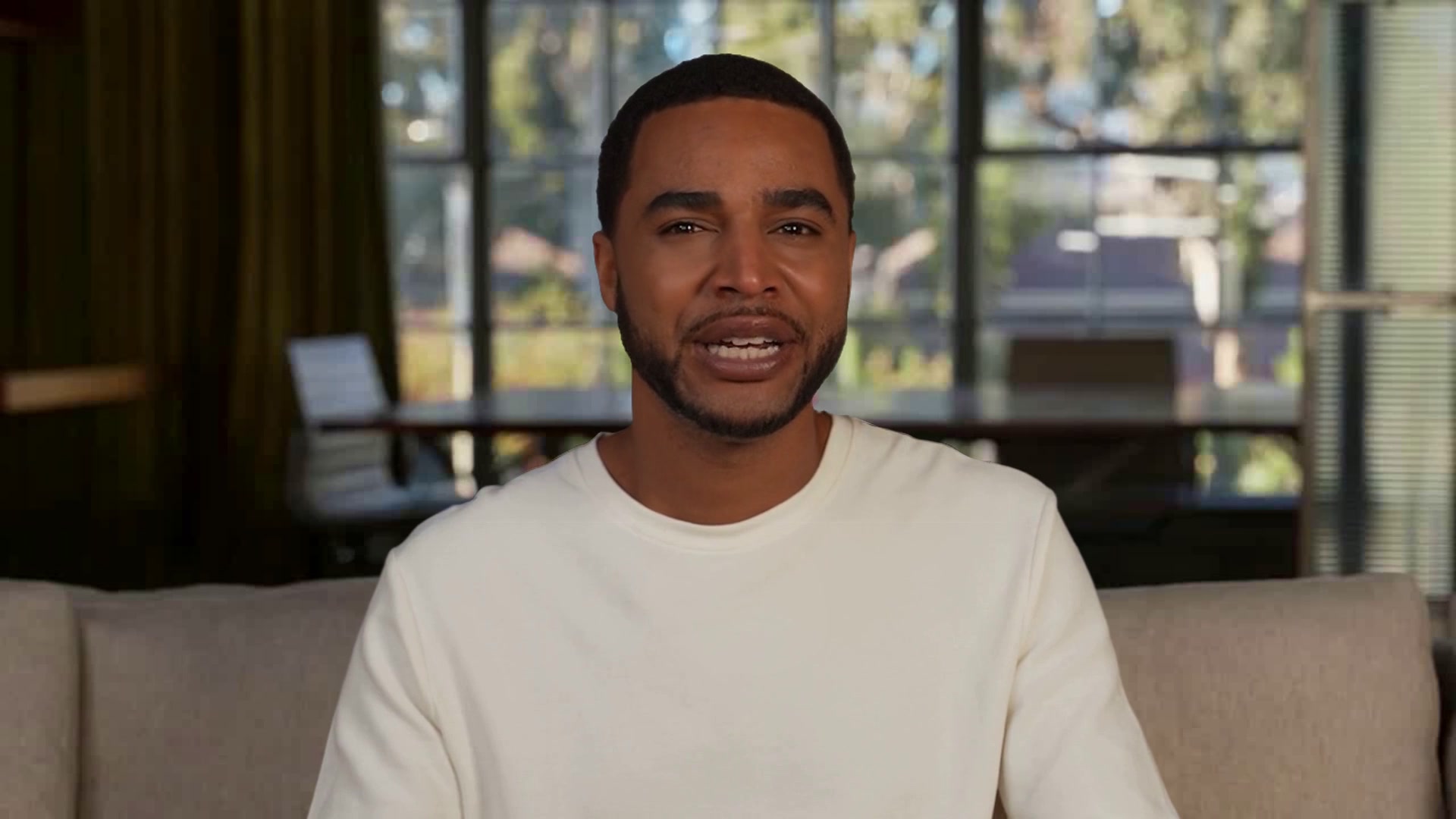
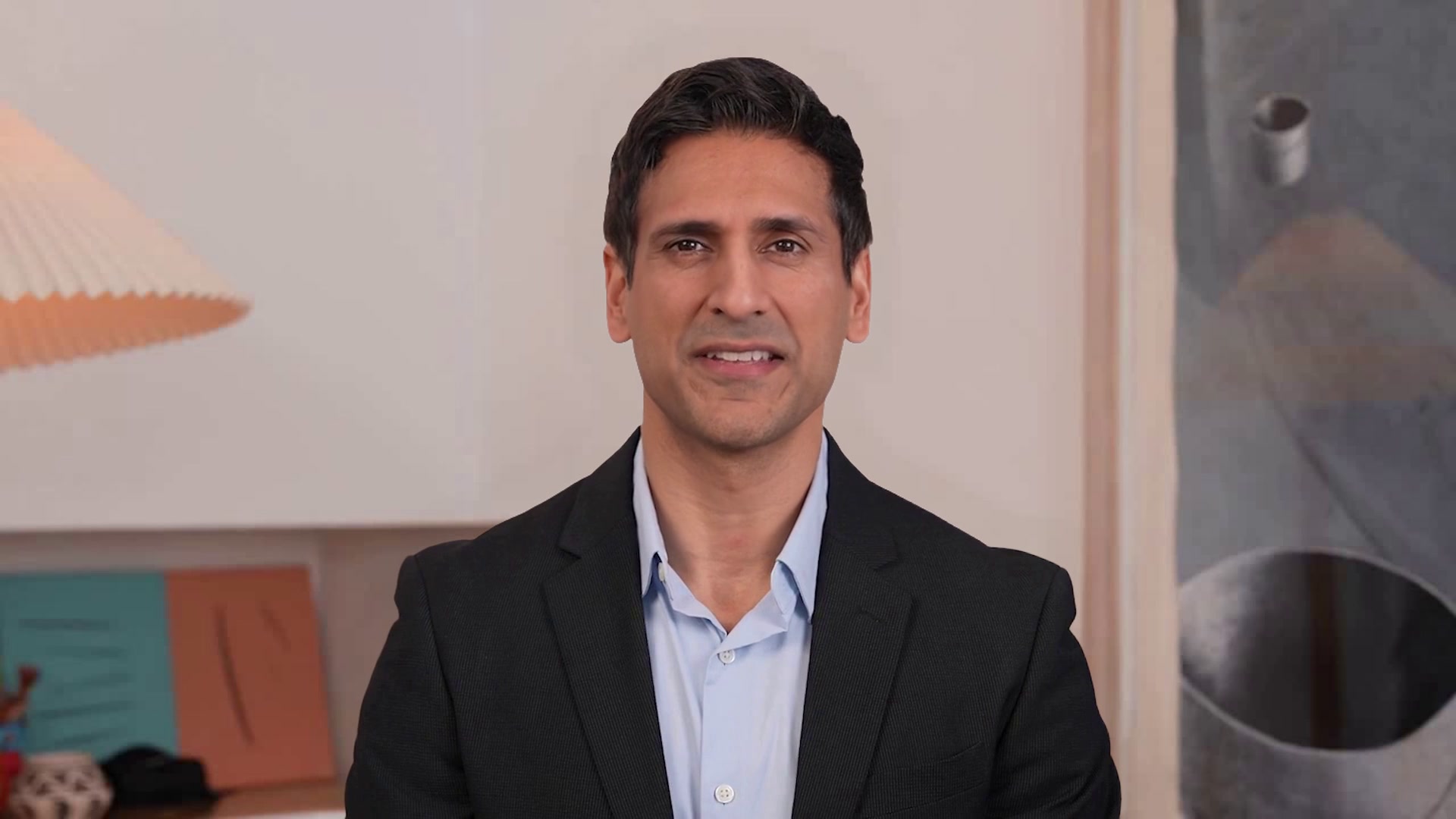
Raj teaches lawful basis, data minimization, and data subject rights through the requests and records people actually see, instead of reading slides aloud.
Understanding, not just completion
A question follows each page, with direct feedback. Learners finish knowing what to do with a subject access request or a suspected breach.
Adapted to your processes
Swap in your policies, escalation paths, and DPO contact. Raj runs the presentation and the assessments; the learner just shows up.
WHAT’S INSIDE
Everything a PAL needs for the conversation, already set up.

Perception, Magic Canvas, Slide Presenter
Attached to the PAL and on from the first call.

end_call
What the PAL can do mid-conversation, beyond talking.

Raj
Keep the face, or pick another from the library.

Phoenix-4.5, Raven-2, Sparrow-2
Face, perception and timing, already wired.

Hi, I’m Raj from Hypothetical Industries
I’ll take you through your GDPR training, explain each concept as we go, check your understanding after each page, and answer your questions along the way.
Compliance training, Presentation mode, Knowledge base
In the kit the moment you copy it.
One-click
One-click copies straight into PAL Maker. Full customization adds a frontend and deploy script.
Hosted page, widget, embed, or Google Meet
Pick where the conversation happens on the Deploy tab.
How a conversation runs
Three beats, start to finish.
How the sample conversation runs
Raj takes a learner through a supplied training presentation on GDPR requirements and processes, teaching each concept conversationally instead of reading slides aloud. After each instructional page it checks understanding with a question, gives direct feedback on the answer, and moves on to the next page. It owns the lesson from start to finish, so the learner never manages navigation. The name, company, presentation, and assessment material are sample facts; replace them with yours.
Understand the principles
Learn the core GDPR rules that govern collecting, using, and protecting personal data.
Raj
GDPR Trainer
Understand the principles
Work through scenarios
Apply privacy principles to realistic requests, records, and workplace decisions.
Raj
GDPR Trainer
Work through scenarios
Take the right next step
Finish with clear actions for handling questions, incidents, and escalation safely.
Raj
GDPR Trainer
Take the right next step
MAKE IT YOURS
Answer a few questions and PAL Maker does the rest.
Open the kit in PAL Maker and it asks for the details that matter here. Everything else, from the prompt to the face, stays editable.
Answer three questions
Open the kit in PAL Maker and Charlie asks for the details that make it yours. Your answers stand in for the sample scenario.
Upload your GDPR training deck or policies.
Who's the audience, and what personal data do they handle?
What should happen when someone misses a check?
Test it face to face
Talk to your PAL on the Test tab. Adjust the prompt, swap the face or voice, add knowledge, and try again until it sounds like your team.
A live video call with your PAL, before anyone else meets it.
Perception, Magic Canvas and tools all run in the test call.
Deploy where the conversation happens
Go live from the Deploy tab as a hosted page, a widget on your site, an embed in your app, or a teammate in Google Meet.
Hosted page · Widget · Embed · Google Meet
Share a link, or drop in one script tag.
QUESTIONS
Three things people ask before they open a kit.
The short answers. The rest are on the Starter Kits page, under Starter Kit questions, answered.
Opening a kit is free
Open any kit in PAL Maker at no cost and talk to it right away. Conversations use the minutes on your plan, and there's a free plan to start on.
Conversations stay in your account
Transcripts and recordings belong to your Tavus account, not to the kit. Tavus is SOC 2, GDPR and HIPAA compliant; the trust center has the details.
Change the face, voice and name
Pick any stock face and voice in PAL Maker, or train your own from a short video or a single image. The conversation the kit ships with stays the same.
MORE STARTER KITS