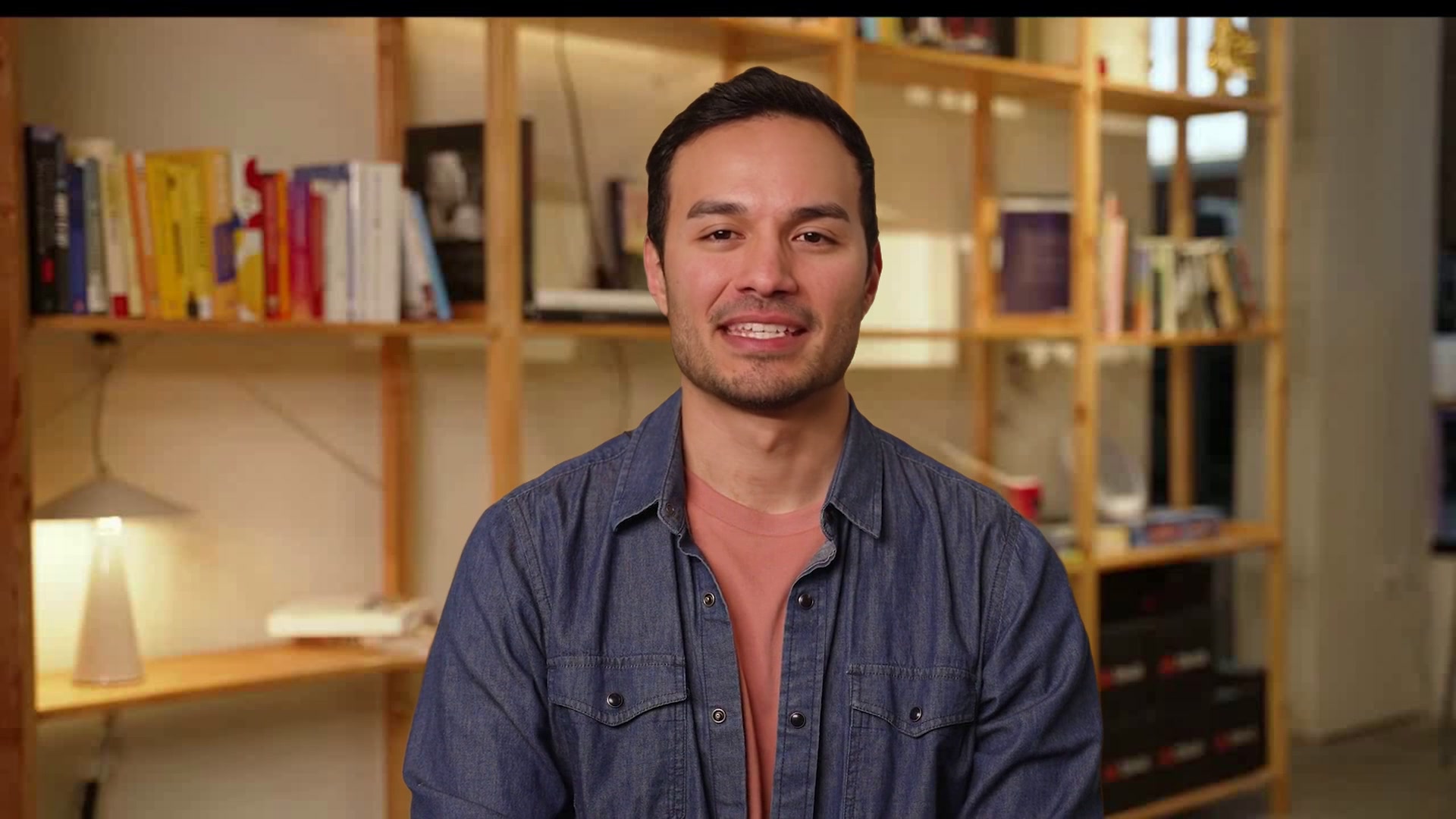
Front Desk Receptionist
A front desk that greets every visitor and finds their host
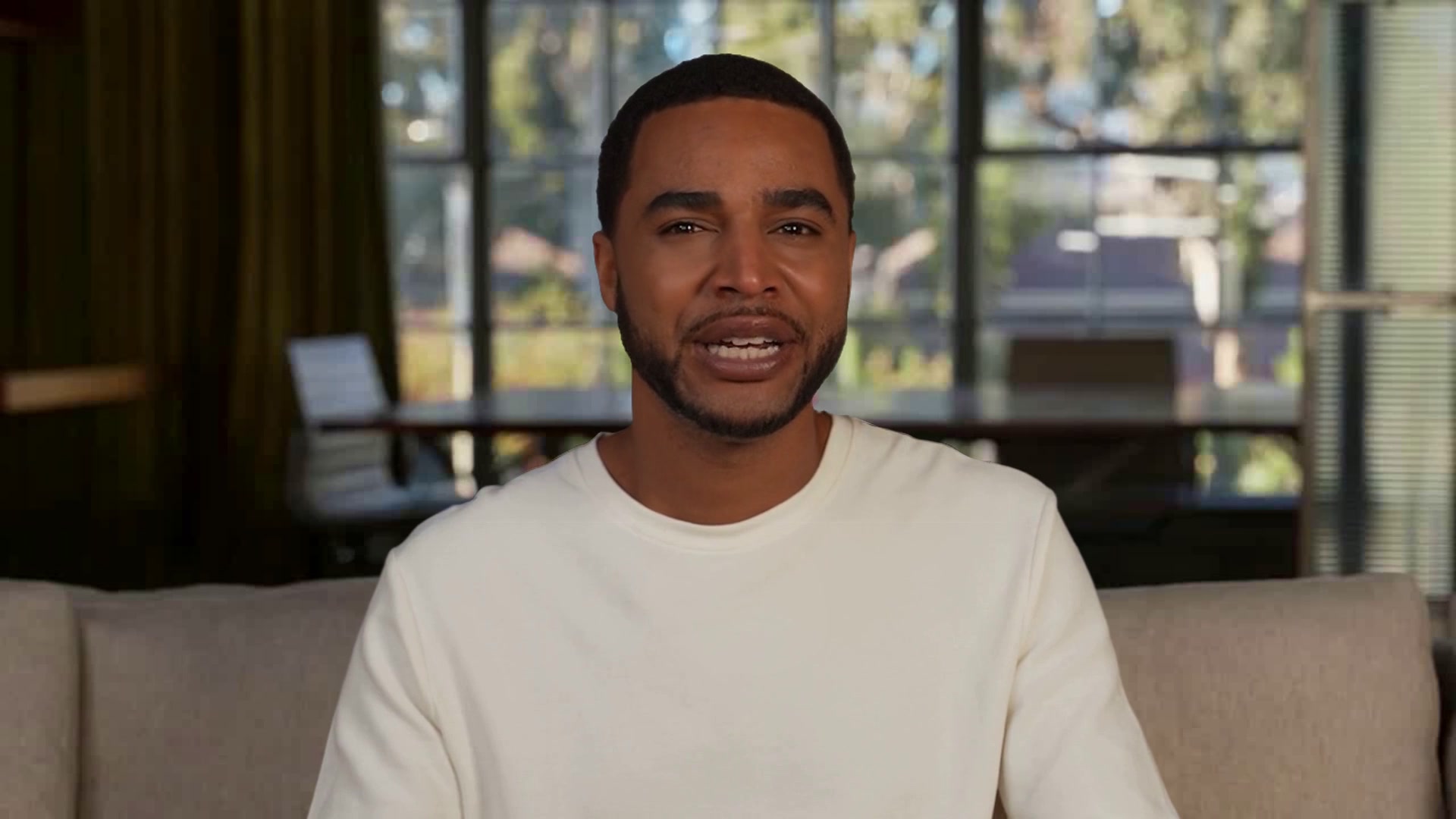
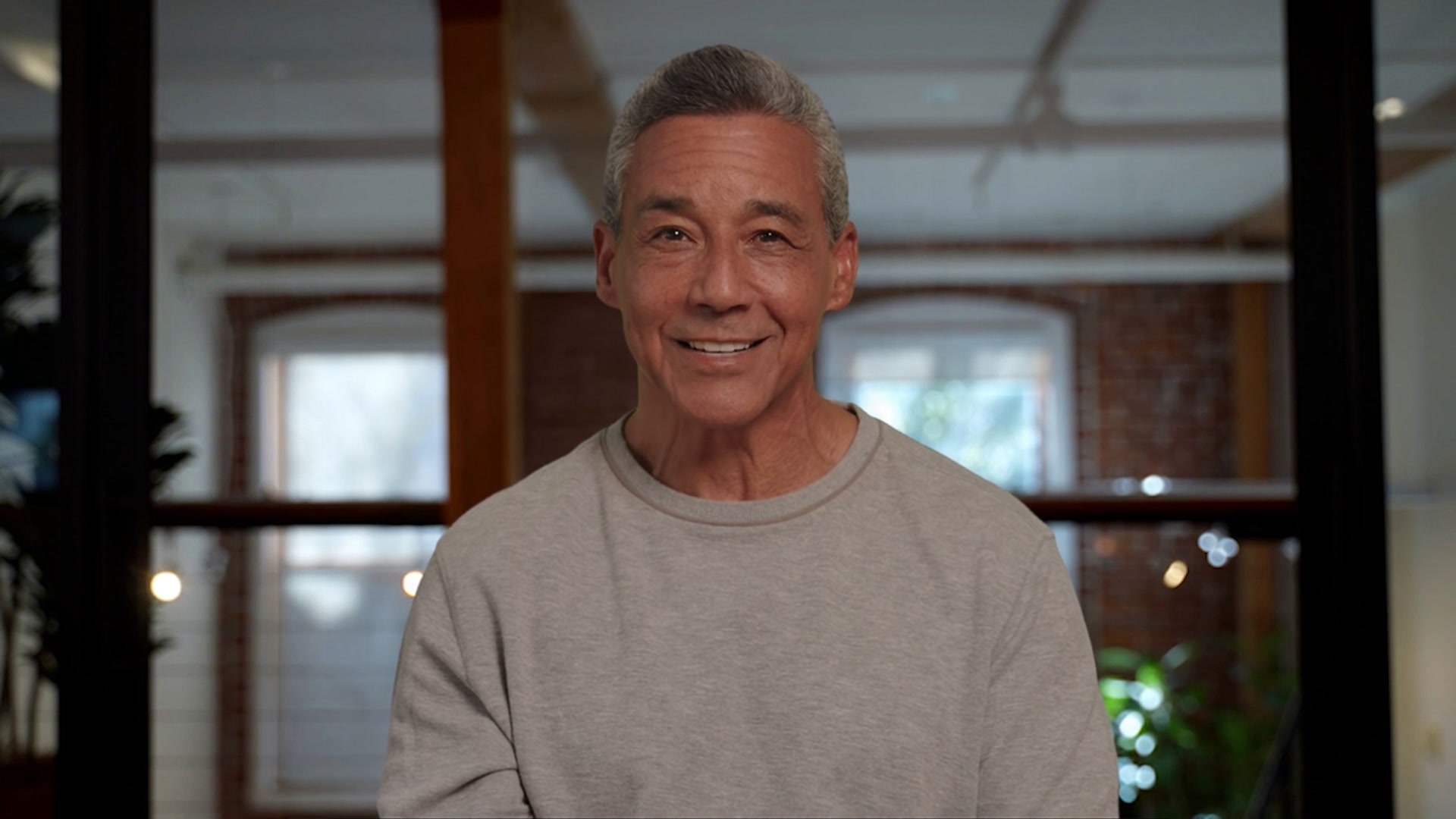
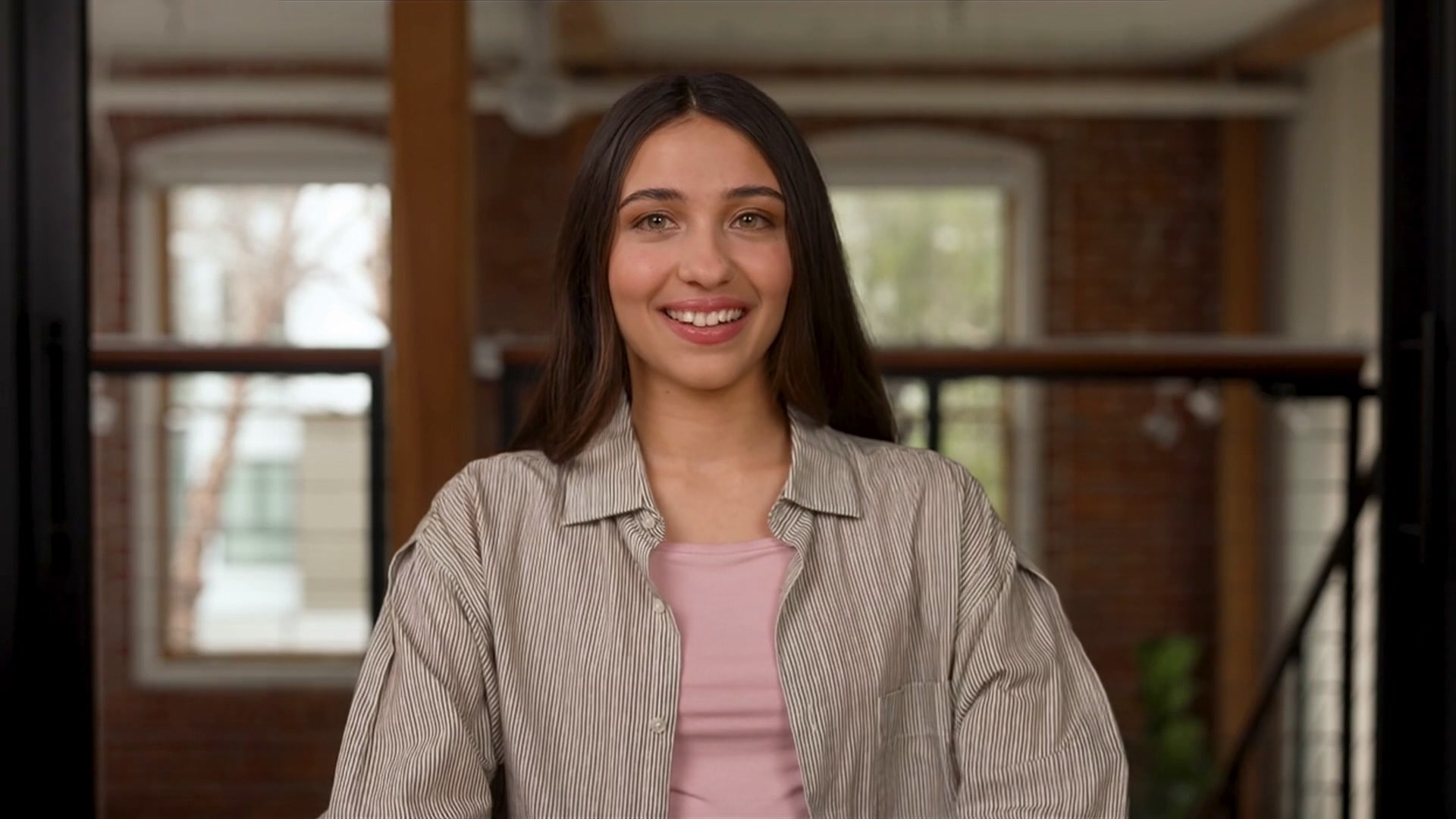
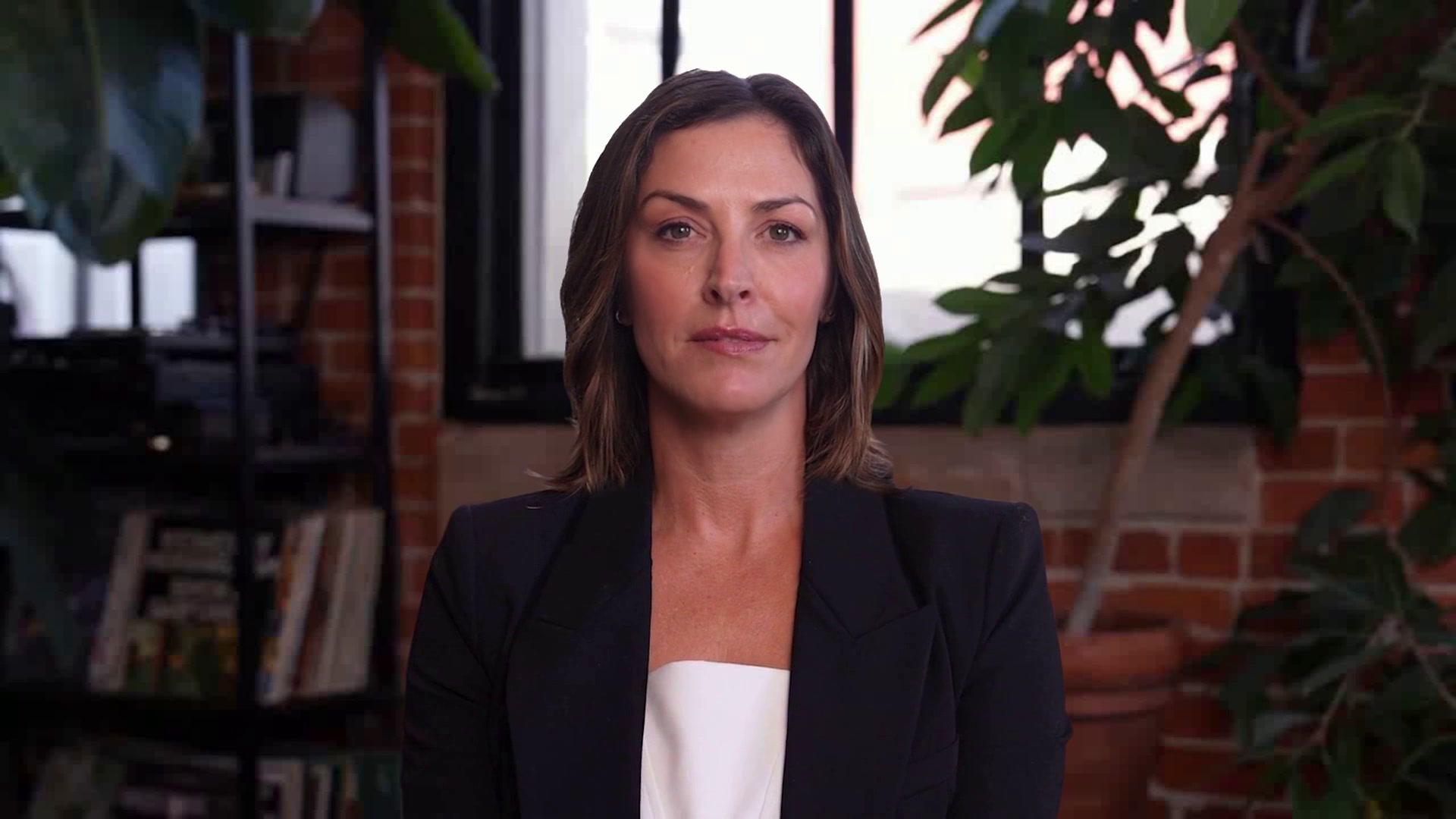
A lobby receptionist on a kiosk or screen who welcomes visitors, captures who they are and who they're meeting, and confirms it on a card before handing off to your notification flow. A warm welcome every minute the doors are open.
WHO IT’S FOR
Built for the teams who have this conversation every day.
Workplace and office managers, facilities teams, and coworking operators who want every visitor greeted the moment they walk in.
Visitors are greeted, not ignored
Someone walks in and Margo says hello, asks their name, company, and who they're here to see, and keeps the conversation going while the details come together.
Details confirmed on screen
Magic Canvas shows a meeting card with everything she captured so the visitor can check it before anyone is notified. Perception means she can see who's in front of her.
Plugs into how your office already works
Connect Slack or your directory and Margo lets the host know someone's here; the host takes it from there. Swap the company, the building, and the branding; the welcome stays the same.
WHAT’S INSIDE
Everything a PAL needs for the conversation, already set up.

Perception, Magic Canvas
Attached to the PAL and on from the first call.

end_call
What the PAL can do mid-conversation, beyond talking.

Margo
Keep the face, or pick another from the library.

Phoenix-4.5, Raven-2, Sparrow-2
Face, perception and timing, already wired.

Hi and welcome
Tell me your name and who you’re here to see and I’ll let them know.
Visitor intake, Perception, Magic Canvas
In the kit the moment you copy it.
One-click
One-click copies straight into PAL Maker. Full customization adds a frontend and deploy script.
Hosted page, widget, embed, or Google Meet
Pick where the conversation happens on the Deploy tab.
How a conversation runs
Three beats, start to finish.
How the sample conversation runs
Margo greets visitors at an Acme Widgets lobby kiosk. She asks for their name, company, and who they are here to see, then confirms those details on a meeting-information card. Host notifications require a connected notification tool. Replace the company and building details with your own, and connect the tools your reception process needs.
Welcome the visitor
Greet the visitor and collect their name and company.
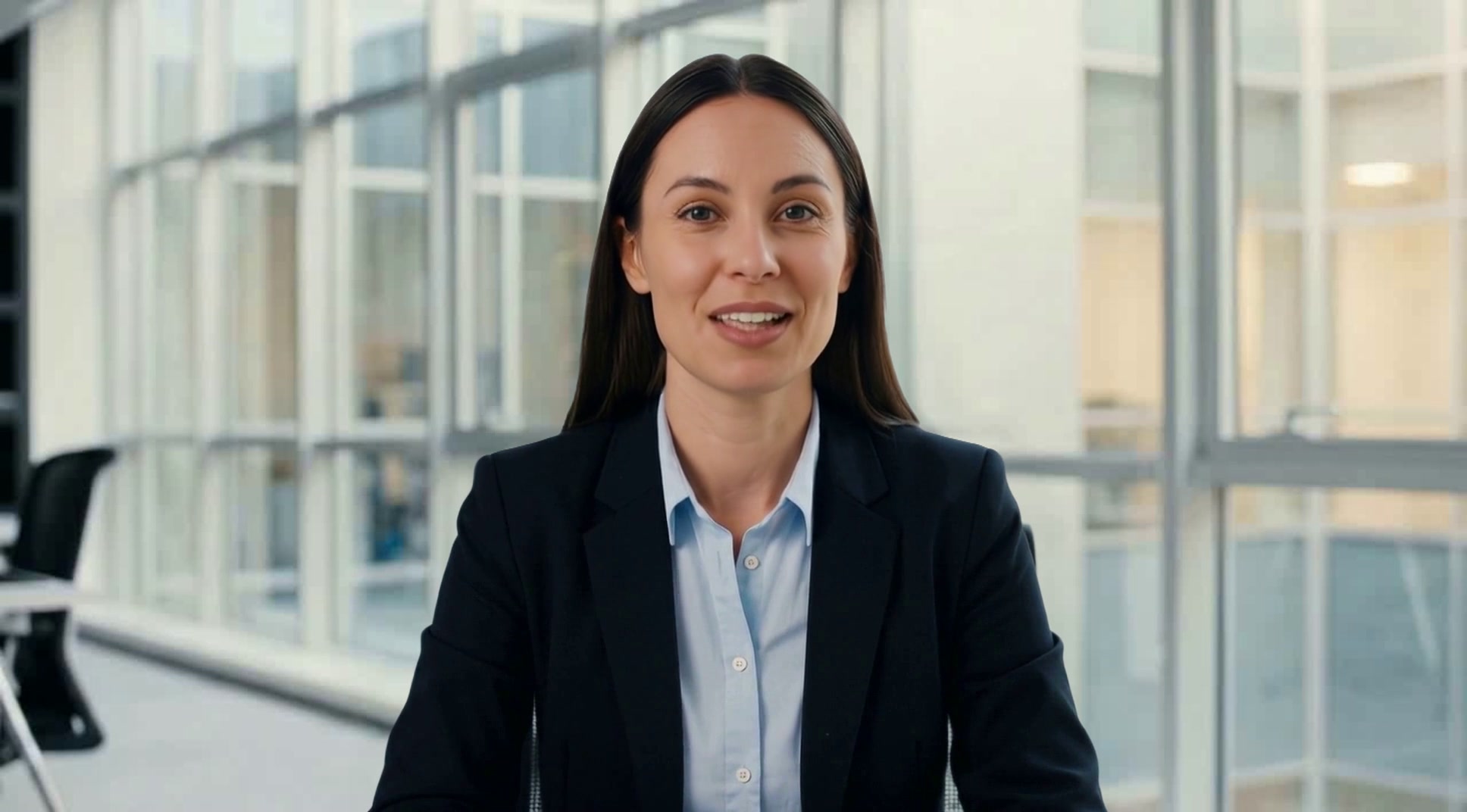
Margo
Receptionist
Welcome the visitor
Find the host
Confirm who they are visiting and capture the details for your internal handoff.
Margo
Receptionist
Find the host
Configure your handoff
Connect your own notification or directory workflow after copying the PAL.
Margo
Receptionist
Configure your handoff
MAKE IT YOURS
Answer a few questions and PAL Maker does the rest.
Open the kit in PAL Maker and it asks for the details that matter here. Everything else, from the prompt to the face, stays editable.
Answer three questions
Open the kit in PAL Maker and Charlie asks for the details that make it yours. Your answers stand in for the sample scenario.
What's the company and building?
How should hosts be notified: Slack, email, or your directory?
What should Margo say to a visitor without an appointment?
Test it face to face
Talk to your PAL on the Test tab. Adjust the prompt, swap the face or voice, add knowledge, and try again until it sounds like your team.
A live video call with your PAL, before anyone else meets it.
Perception, Magic Canvas and tools all run in the test call.
Deploy where the conversation happens
Go live from the Deploy tab as a hosted page, a widget on your site, an embed in your app, or a teammate in Google Meet.
Hosted page · Widget · Embed · Google Meet
Share a link, or drop in one script tag.
QUESTIONS
Three things people ask before they open a kit.
The short answers. The rest are on the Starter Kits page, under Starter Kit questions, answered.
Opening a kit is free
Open any kit in PAL Maker at no cost and talk to it right away. Conversations use the minutes on your plan, and there's a free plan to start on.
Conversations stay in your account
Transcripts and recordings belong to your Tavus account, not to the kit. Tavus is SOC 2, GDPR and HIPAA compliant; the trust center has the details.
Change the face, voice and name
Pick any stock face and voice in PAL Maker, or train your own from a short video or a single image. The conversation the kit ships with stays the same.
MORE STARTER KITS